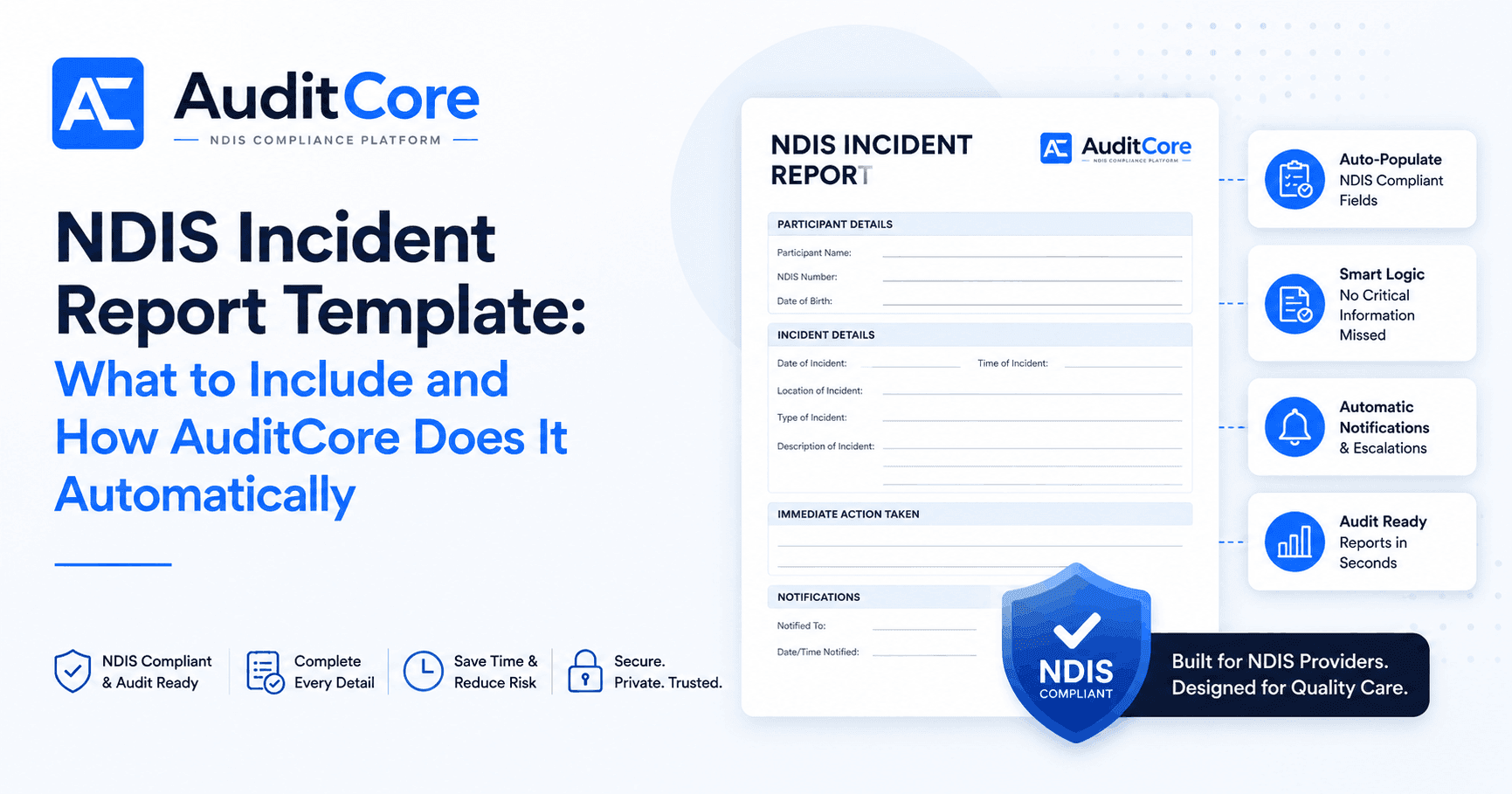
When an incident occurs at your organisation, the clock starts immediately. For serious incidents, you have five business days to notify the NDIS Commission — and the quality of your report determines whether it is accepted or sent back for rework. AuditCore logs, classifies, and tracks every incident the moment it is entered, and automatically flags which ones require Commission notification.
What Every NDIS Incident Report Must Include
The NDIS Commission does not prescribe a specific form, but your incident report must capture the following information to be accepted. AuditCore's incident form collects all of this in a single structured screen.
Section 1 — Incident Details
AuditCore generates completed NDIS incident reports from your structured data — no manual templates needed. Every field is pre-populated from the incident register.
Explore Incident Management →| Field | What to Record | AuditCore |
|---|---|---|
| Incident date and time | Exact date and time the incident occurred | Auto-stamped on log entry |
| Location | Specific address or environment where it happened | Linked to participant's support location |
| Incident type | Category (assault, medication error, injury, etc.) | AI classification from description |
| Description | What happened, in plain language | Free-text field with guided prompts |
| People involved | Participant name, workers present, any third parties | Pulled from participant and worker records |
Section 2 — Participant Impact
- Nature of harm or potential harm to the participant
- Whether medical treatment was sought or required
- Participant's current status and wellbeing
- Whether family, guardian, or nominee was notified and when
- Whether the participant consented to the report being lodged
Section 3 — Immediate Response
- Actions taken at the time of the incident
- Who was notified internally (supervisor, manager, director)
- Any emergency services contacted (police, ambulance)
- Interim safety measures put in place
- Date and time of internal notification chain
Section 4 — Commission Notification Fields
If the incident is reportable, AuditCore automatically creates the Commission notification record with the following fields pre-filled:
- NDIS provider registration number
- Incident category (as defined in the NDIS Act)
- Whether the incident involves a restrictive practice
- Name and contact of the person submitting the report
- Five-day notification deadline (auto-calculated)
- Follow-up report due date (if required)
Reportable vs. Non-Reportable: How AuditCore Classifies Incidents
Not every incident needs to go to the Commission. AuditCore's AI reads your incident description and flags it as reportable, potentially reportable, or internal-only based on the NDIS (Incident Management and Reportable Incidents) Rules 2018. You review the classification before submitting — you are always in control.
The Five-Day Countdown
Once an incident is logged in AuditCore, the system calculates the five-business-day notification deadline and displays a countdown on your dashboard. Reminders are sent at 72 hours, 48 hours, and 24 hours before the deadline. If a notification is overdue, AuditCore escalates the alert to your nominated compliance manager.
What Happens After You Submit
The Commission may accept your report, request additional information, or require a follow-up report within 28 days. AuditCore tracks all of this in one place — initial notification, Commission response, follow-up report, and final resolution. Your entire incident history is stored and retrievable for audit evidence in seconds.
Need to generate compliant NDIS documents in seconds? AuditCore's Document Generation module turns your data into audit-ready reports, plans, and certificates instantly.
See Document Generation →Common Mistakes AuditCore Prevents
- Forgetting to notify the Commission within five days
- Submitting an incomplete report that gets returned
- Failing to document the internal notification chain
- Missing the 28-day follow-up report deadline
- Not linking the incident to the participant's risk assessment
- Treating a reportable incident as internal-only