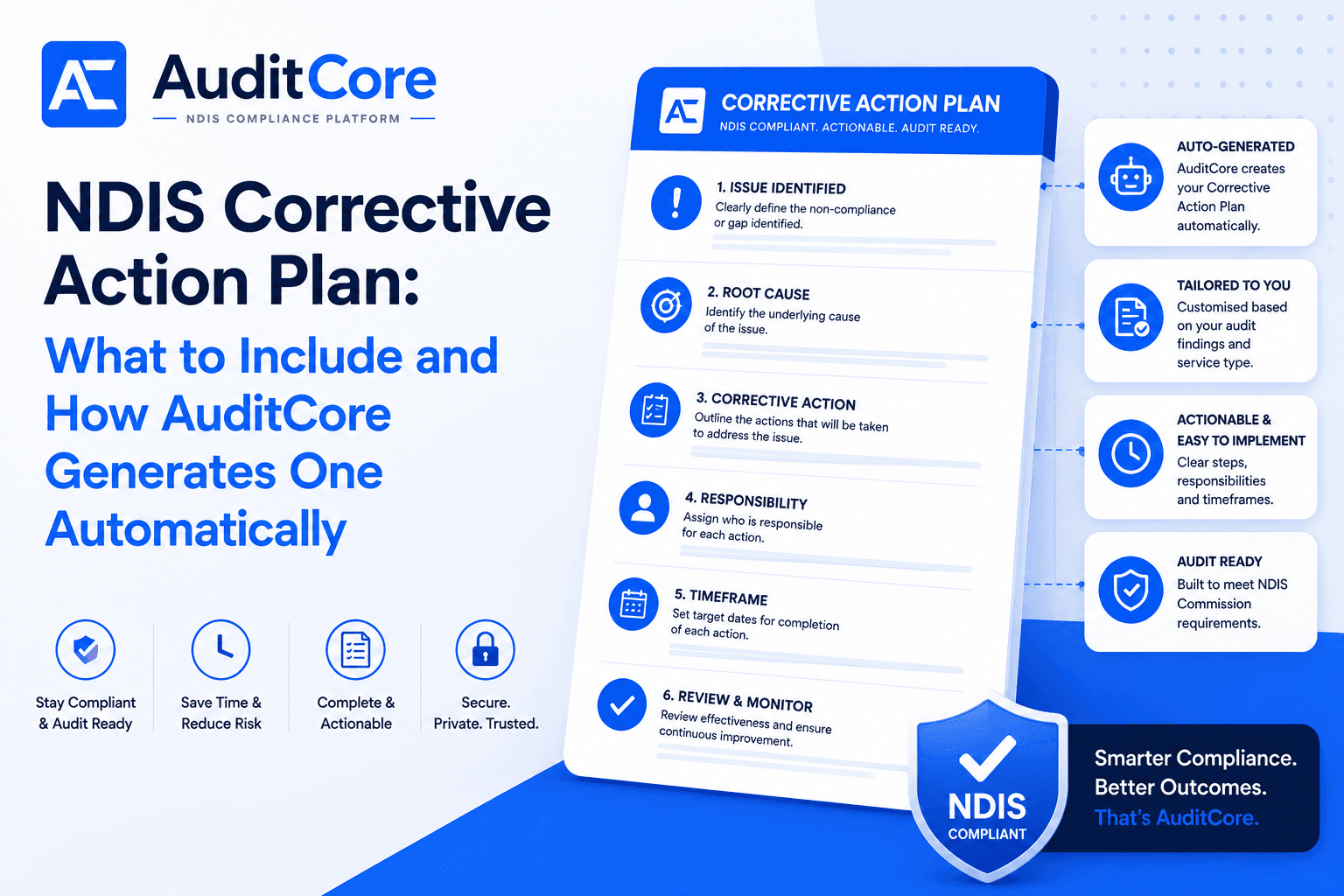
After an NDIS audit, any non-conformances result in a corrective action plan (CAP). Your CAP must be submitted to your audit body within the timeframe they specify — usually 20 business days — and it must demonstrate a genuine plan to fix the finding, not just acknowledge it. AuditCore's Internal Audit AI generates a draft CAP automatically from your internal audit findings, giving you a head start before your external audit even begins.
The Six-Step CAP Structure
- 1Reference the finding exactly as it appears in the audit report — use the auditor's wording, not a paraphrase
- 2Conduct a root cause analysis — explain why the gap existed, not just what the gap was
- 3Define specific corrective actions — name the exact steps to fix the finding, not general intentions
- 4Assign a named responsible person — a job title is not sufficient; auditors need an individual's name
- 5Set a realistic target completion date — and ensure it falls within the required timeframe
- 6Specify the evidence of completion — state exactly what you will show the auditor to prove the finding is resolved
What a Compliant CAP Must Include
Every corrective action in your CAP must address four things. Auditors reject vague plans that say "we will improve our processes." They need to see specifics.
| Element | What Auditors Expect | Example |
|---|---|---|
| Finding reference | The exact non-conformance as worded in the audit report | NC-2025-003: Support plans not linked to participant NDIS goals |
| Root cause | Why this happened — not just what happened | Templates used did not prompt workers to reference NDIS plan numbers |
| Corrective action | Specific steps to fix the finding | Updated template in AuditCore with mandatory NDIS goal fields; all existing plans reviewed by [date] |
| Responsible person | Named individual accountable for the action | Sarah Mitchell, Operations Manager |
| Target date | Realistic completion date | 30 June 2025 |
| Evidence of completion | What you will show to demonstrate it is fixed | Screenshot of updated template; sample of 5 reviewed plans |
AuditCore's CI Register automatically generates corrective action items from audit findings, incidents, and complaints — and tracks each one through to resolution with owner assignment and due dates.
See the CI Register →Common CAP Mistakes That Get Rejected
- Vague actions like "staff will be trained" without specifying what training, who delivers it, and when
- No root cause analysis — just describing what happened rather than why
- Responsible person listed as a job title rather than a named individual
- Target dates that are unrealistically far in the future
- No evidence plan — auditors need to verify completion at your follow-up audit
- Addressing the symptom rather than the system failure that caused it
How AuditCore Generates Your CAP
When AuditCore's Internal Audit AI identifies a non-conformance, it automatically creates a finding card in your CI Register. Each card includes the finding, the relevant NDIS Practice Standard indicator, a suggested corrective action, and a recommended evidence type. You add the responsible person and target date — AuditCore tracks completion and sends reminders as the deadline approaches.
AuditCore CAP Features
- Auto-Generated: CAP items are created automatically from Internal Audit AI findings — no manual data entry required
- Tailored: each corrective action is mapped to the specific NDIS Practice Standard indicator it addresses
- Actionable: suggested evidence types and corrective actions are built in, so you know exactly what to do and what to keep
- Audit Ready: your completed CAP is formatted for direct submission to your audit body with all required fields populated
Using Your Internal Audit CAP to Prevent External Non-Conformances
The best CAP is one you never have to submit to an auditor. AuditCore's approach is to run the internal audit, generate the CAP, fix the findings, and run the audit again before your external auditor arrives. Providers who complete this cycle typically have no non-conformances in their external audit, or only minor findings that are easily resolved.
AuditCore's Internal Audit AI identifies the gaps that require corrective action — so your improvement plan addresses exactly what the NDIS Commission is looking for.
See Internal Audit AI →Timeframes and Follow-Up Audits
- Minor non-conformances: usually 20 business days to submit your CAP
- Major non-conformances: may require immediate action and a shorter CAP timeframe
- Follow-up audit: typically within 3–6 months to verify the CAP is complete
- Unresolved CAPs: can result in conditions on your registration or suspension
- AuditCore tracks all CAP deadlines and escalates overdue actions to management