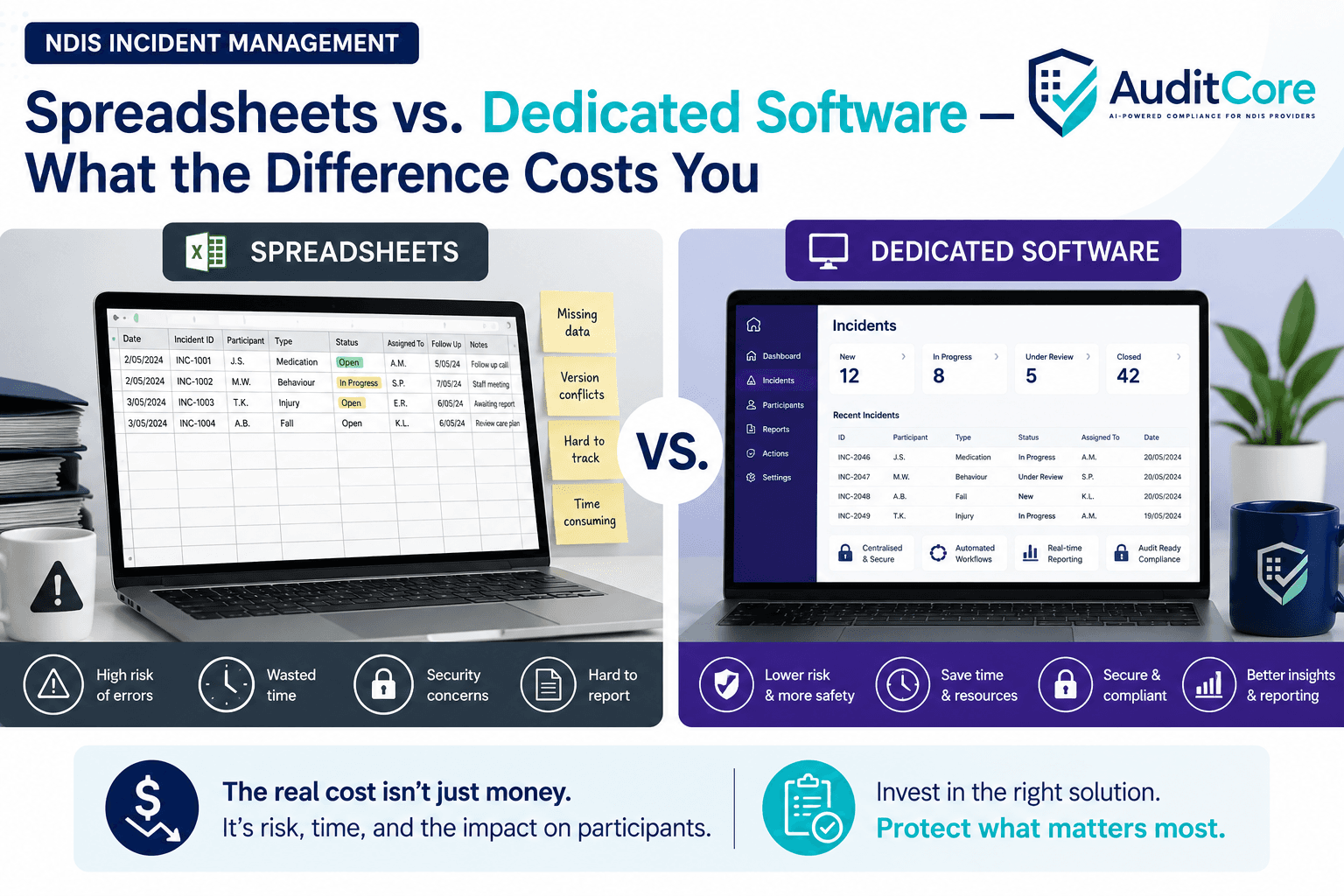
are free and familiar. Every NDIS provider starts with them. But as organisations grow — more staff, more participants, more complex support types — the gaps in spreadsheet-based incident management become compliance risks. This comparison is not about technology preference. It is about what the NDIS Commission expects, what auditors look for, and what the real cost of a missed notification or an incomplete record is.
What Spreadsheet Incident Management Looks Like
The typical spreadsheet setup involves one or two master files — usually maintained by a compliance officer or manager — where incidents are recorded after the fact. Workers complete a paper or PDF form, hand it to their manager, and the manager enters it into the spreadsheet. Monthly, someone checks whether anything needs to go to the Commission.
This works — until it does not. The failure modes are predictable:
- The paper form sits in someone's drawer over a weekend and the 24-hour notification window closes
- A worker fills in a form but gives it to the wrong manager — it is never entered
- The spreadsheet has two versions — one on a shared drive, one on someone's desktop — and they diverge
- An incident is recorded but the 5-day follow-up notification is not tracked — it gets forgotten
- At audit, the Commission asks for all incidents involving Participant X over 12 months. Filtering a 200-row spreadsheet is slow and error-prone
- A worker leaves and takes the paper forms that were in their car
The Cost of a Missed Notification
The NDIS Commission can issue civil penalty notices for failure to notify reportable incidents within required timeframes. The maximum civil penalty for an individual is $7,500 per contravention. For a body corporate, it is $37,500 per contravention. Each missed notification is a separate contravention.
Beyond the financial penalty, late or missed notifications trigger Commission scrutiny of your broader incident management practices. A single missed notification can escalate to a compliance audit of your entire organisation.
What Dedicated Incident Management Software Provides
Notification Deadline Tracking
When an incident is logged and classified as reportable, the system automatically calculates your Commission notification deadline and sends reminders as it approaches. There is no reliance on someone remembering to check a spreadsheet column.
Mobile and After-Hours Access
Workers can log incidents from any device at any time — including from a participant's home at 2am. The record is created in real time, not retrospectively. Managers receive instant notifications for high-priority incidents.
Workflow Enforcement
Dedicated software enforces the investigation workflow — initial notification, manager review, post-incident review, corrective action assignment, Commission reporting. Each step is tracked and incomplete steps are flagged. Nothing falls through the cracks because the system will not let you close an incident without completing the required steps.
Audit-Ready Reporting
When an auditor asks for all incidents involving a specific participant, support type, or time period, the report is generated in seconds. The full investigation trail — initial record, worker accounts, manager review, Commission notification reference, corrective actions — is in one place.
Pattern Analysis
Dedicated software can identify trends — repeated incidents of the same type, incidents concentrated in one location or shift, incidents involving specific workers. This is the continuous improvement evidence auditors expect to see and that spreadsheets cannot easily produce.
AuditCore's Incident Management module covers the full incident lifecycle — from mobile-first reporting to Commission notification tracking, investigation workflow, and corrective action assignment — with automated deadline alerts at every stage.
See Incident Management →When Spreadsheets Are Adequate
A spreadsheet approach can work for very small providers — typically those with fewer than 10 workers and fewer than 20 participants, delivering lower-risk supports, with a single manager who owns the entire compliance function. In this context, the volume of incidents is low enough that manual tracking is feasible.
The Tipping Point
Most providers reach a point where their spreadsheet system becomes a risk. Signs you have reached that point:
- You have experienced a near-miss with a Commission notification deadline
- You have more than one person managing incident records and they are not always consistent
- You are delivering high-risk supports — SIL, behaviour support, high intensity activities
- Your incident volume means the spreadsheet has hundreds of rows and is difficult to analyse
- An auditor has commented on the quality or completeness of your incident records
- You cannot easily produce a trend analysis of incidents by type, location, or participant
What to Look For in Incident Management Software
If you are evaluating dedicated incident management software for an NDIS context, assess:
- Does it support the NDIS Commission's specific notification categories and timeframes?
- Can workers log incidents from mobile devices without needing a computer or VPN?
- Does it track the full investigation workflow — not just the initial record?
- Does it generate Commission-format notification reports?
- Can it produce participant-level and organisation-level trend reports?
- Does it link incidents to corrective actions and track completion?
- Is the data stored in Australia in compliance with Australian privacy law?
- Can you control who has access to incident records — role-based access?
The Real Cost Comparison
The upfront comparison is: spreadsheet costs nothing, software costs $X per month. The real comparison includes the compliance officer time spent managing the spreadsheet, the risk premium from operating without automated deadline tracking, and the potential cost of a Commission investigation triggered by a missed notification. For most growing providers, the risk cost of a spreadsheet significantly exceeds the subscription cost of dedicated software.